
Fabric changelog
Fabric MCP
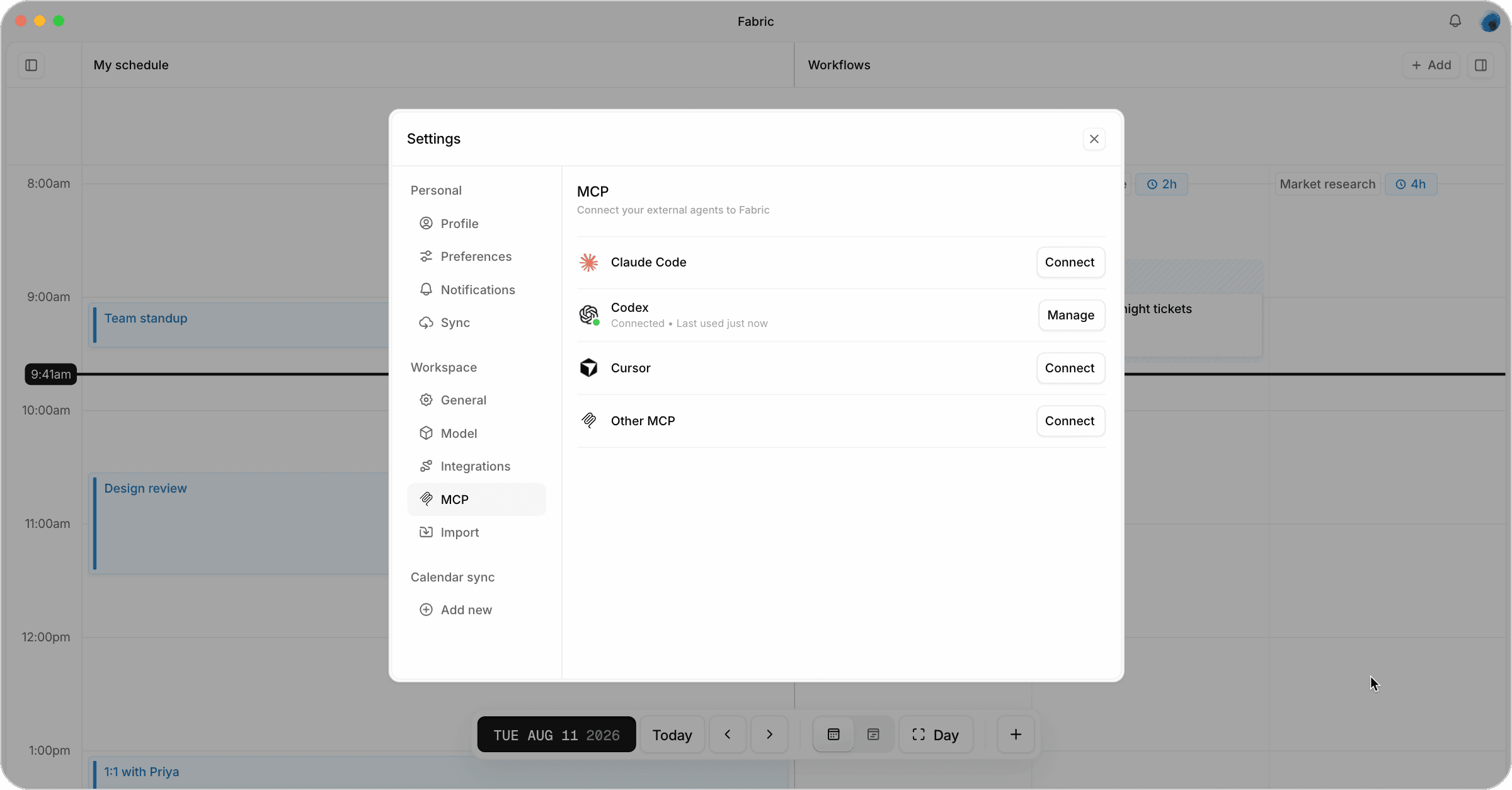
You can now connect Claude Code, Codex, Cursor or any other MCP client to Fabric. This enables your coding agent to see your calendar and tasks, and help plan your day right from your terminal or editor.
To connect your agent, open Settings → MCP and click Connect next to your agent of choice. Copy the prompt, paste it into a new session with your agent, and it will set Fabric up and check the connection.
Connected agents can create tasks, time blocks and events, and also schedule your tasks on the calendar. You can also track everything they do in the task’s activity updates.