
Fabric changelog
Create events in Fabric
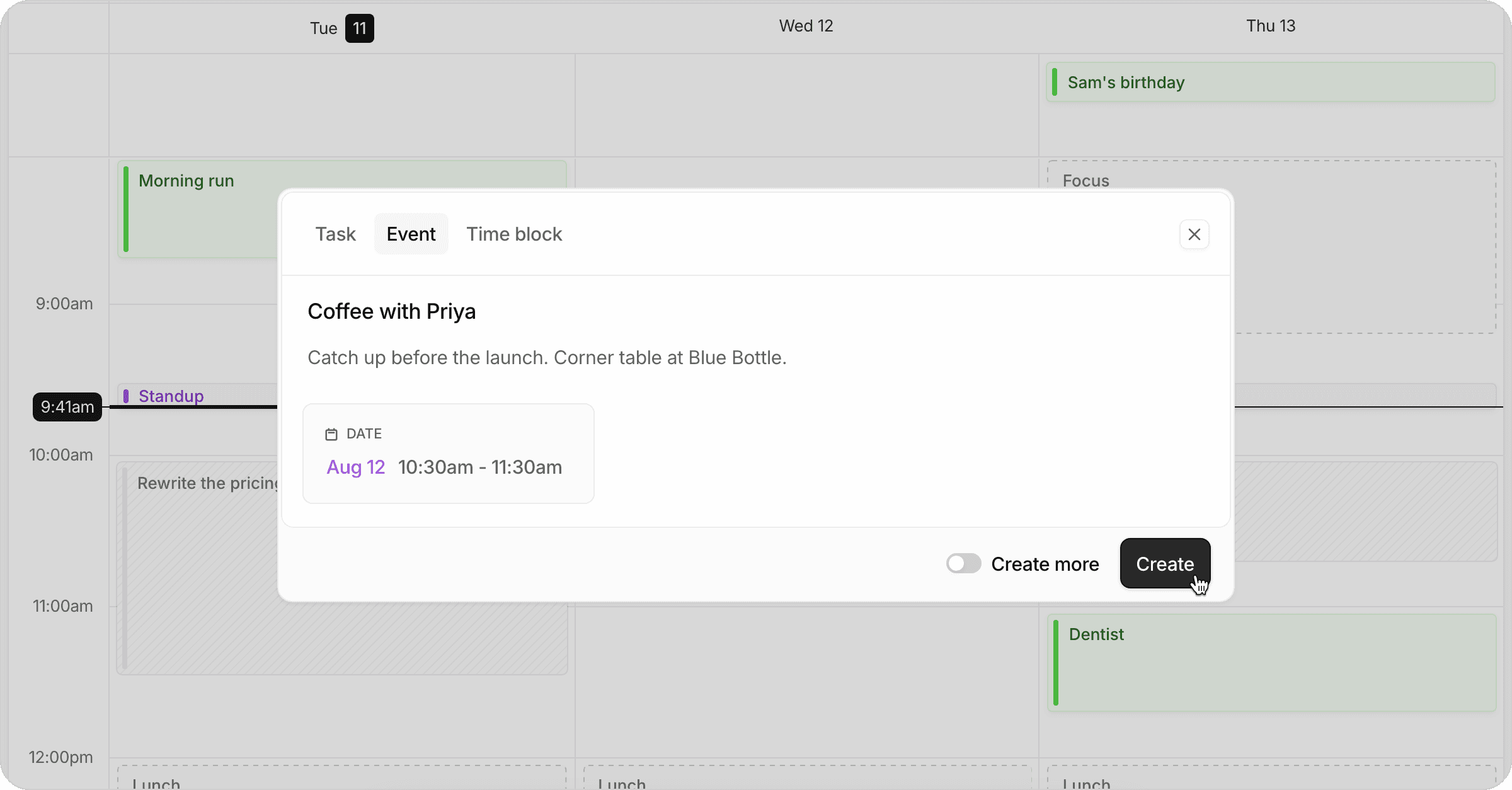
You can now create events directly in Fabric. Drag on your calendar or click +, then choose Event in the creation modal. Events sit on your calendar alongside your tasks and time blocks, and allow you to create meetings from Fabric.
Events sync to your Google and Apple Calendars, and automatically block out time as “Busy”. You can also choose to update the synced calendar default name, or unmask them to show their actual titles on your synced calendars.