
Fabric changelog
Hide synced calendar events
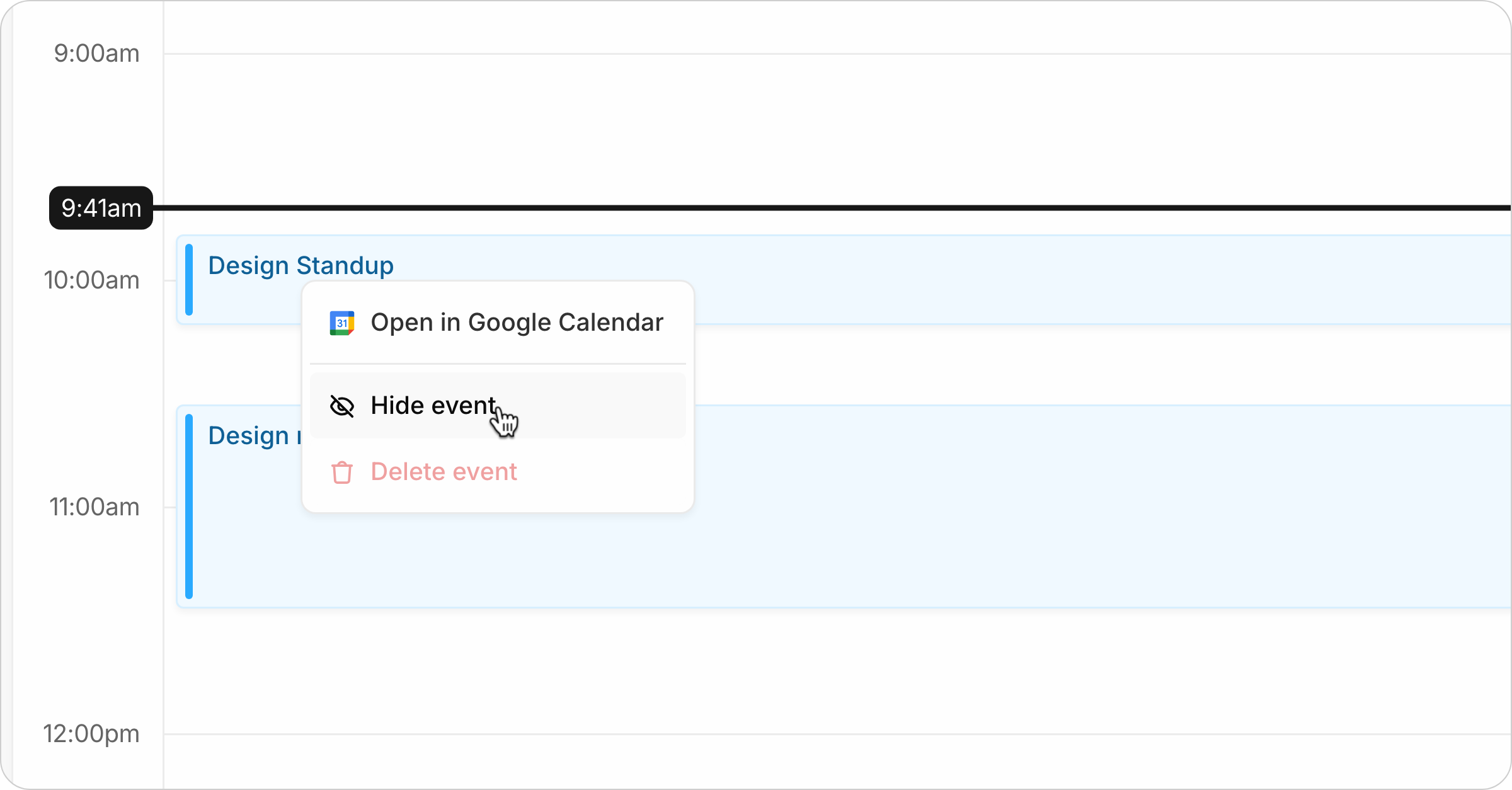
Your Fabric calendar shows everything from the Google or Apple calendars you've connected. This can include things you'd rather not look at, such as recurring meetings or OOO events that clutter up your schedule.
Two changes fix that.
Declined invites no longer sync at all. If you've said no to an event, it stops arriving in Fabric, matching what Google Calendar does by default.
Any synced event can now be hidden. Right-click a synced event on the calendar or use the menu in the task detail and choose Hide event to hide it from your Fabric calendar.
Hiding is local to Fabric. The event is untouched at Google or Apple - nobody else sees a change, your RSVP is unchanged, and the organizer is none the wiser. It's also per occurrence, so hiding today's standup leaves next week's alone.