
Fabric changelog
Bookmark messages in agent chats
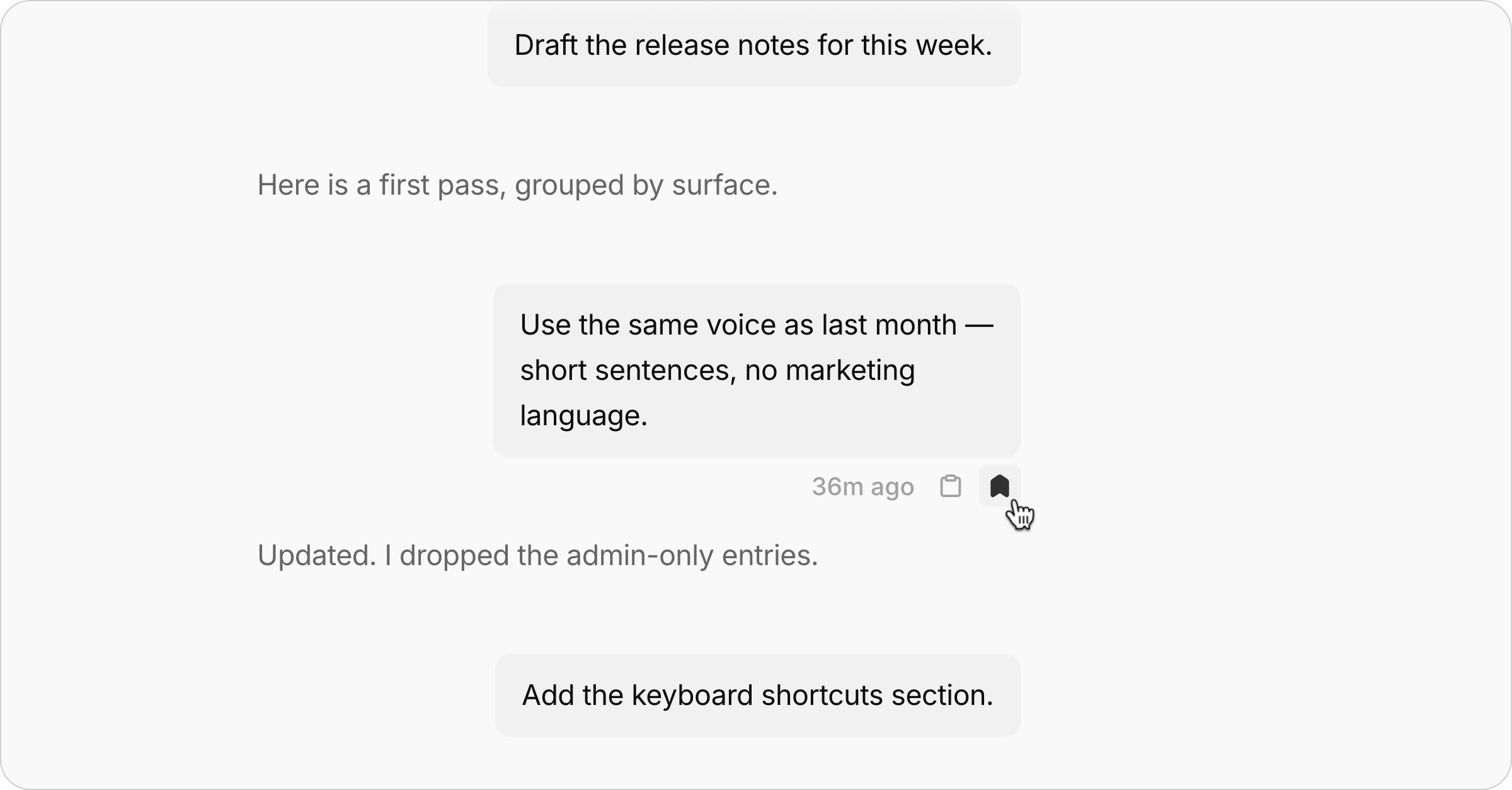
A long workflow setup chat gets hard to navigate. You know you explained the reporting format somewhere near the beginning, but finding it means scrolling past everything that came after.
Two things now help.
A rail down the left margin marks every message you've sent, one dash per turn. Click a dash and the chat jumps to that message, parked at the top where you can read forward from it.
Bookmarks. Hover any message you've sent and a small row appears beneath it - the time you sent it, a copy button, and a bookmark. Bookmarking marks that message's dash in the rail, so you can quickly jump to messages you bookmarked later.